Add a Personal Property Tax Account on PayQuincyMA

Save time by linking a Personal Property tax account to your PayQuincyMA profile and access your bills from your dashboard at log in. Follow the steps below to get started:
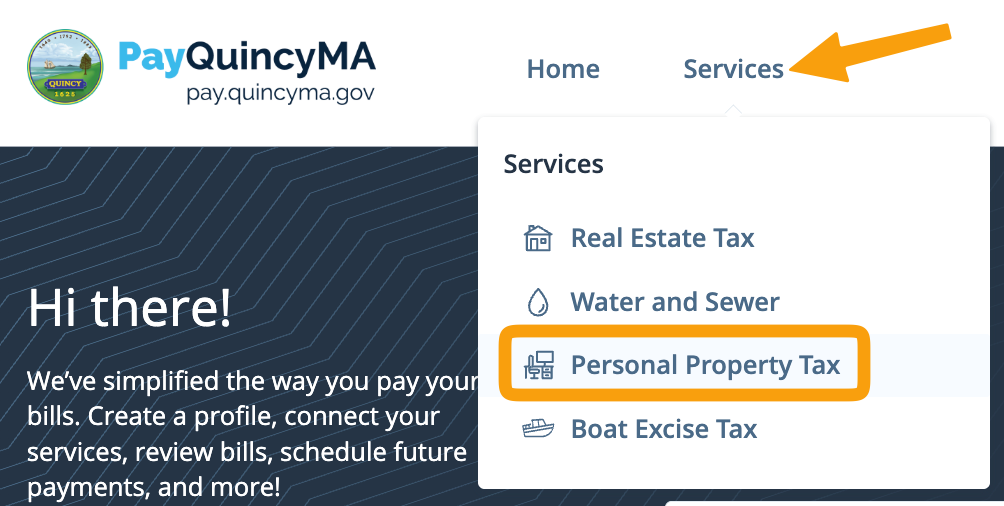
- Log in (see Create a Profile on PayQuincyMA) and click Personal Property Tax under the Services dropdown menu
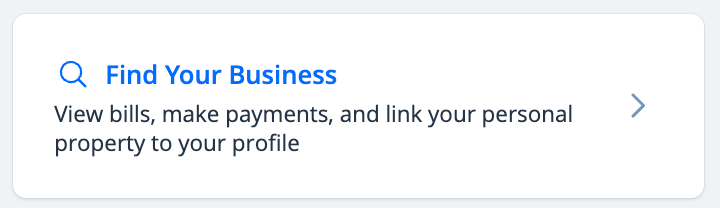
- Click Find Your Business
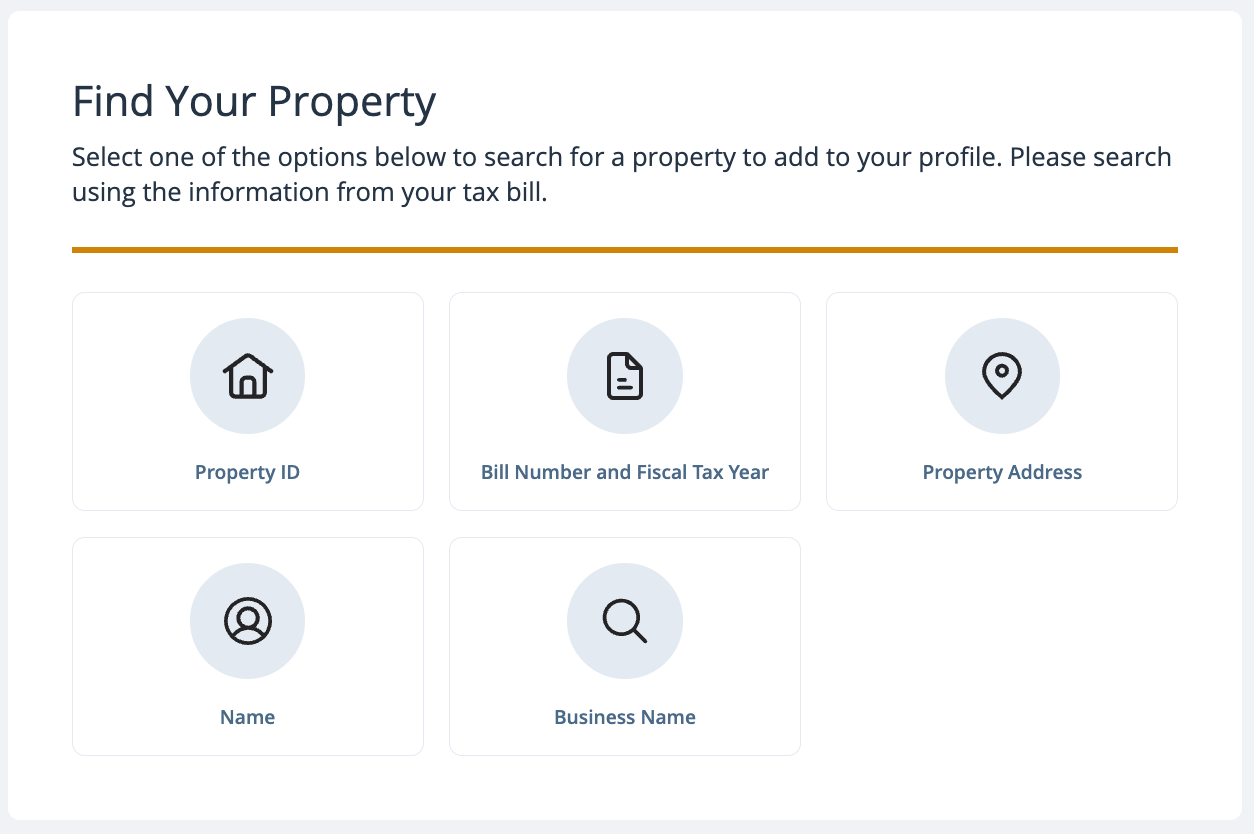
- Select one of the search options to locate your Personal Property tax account
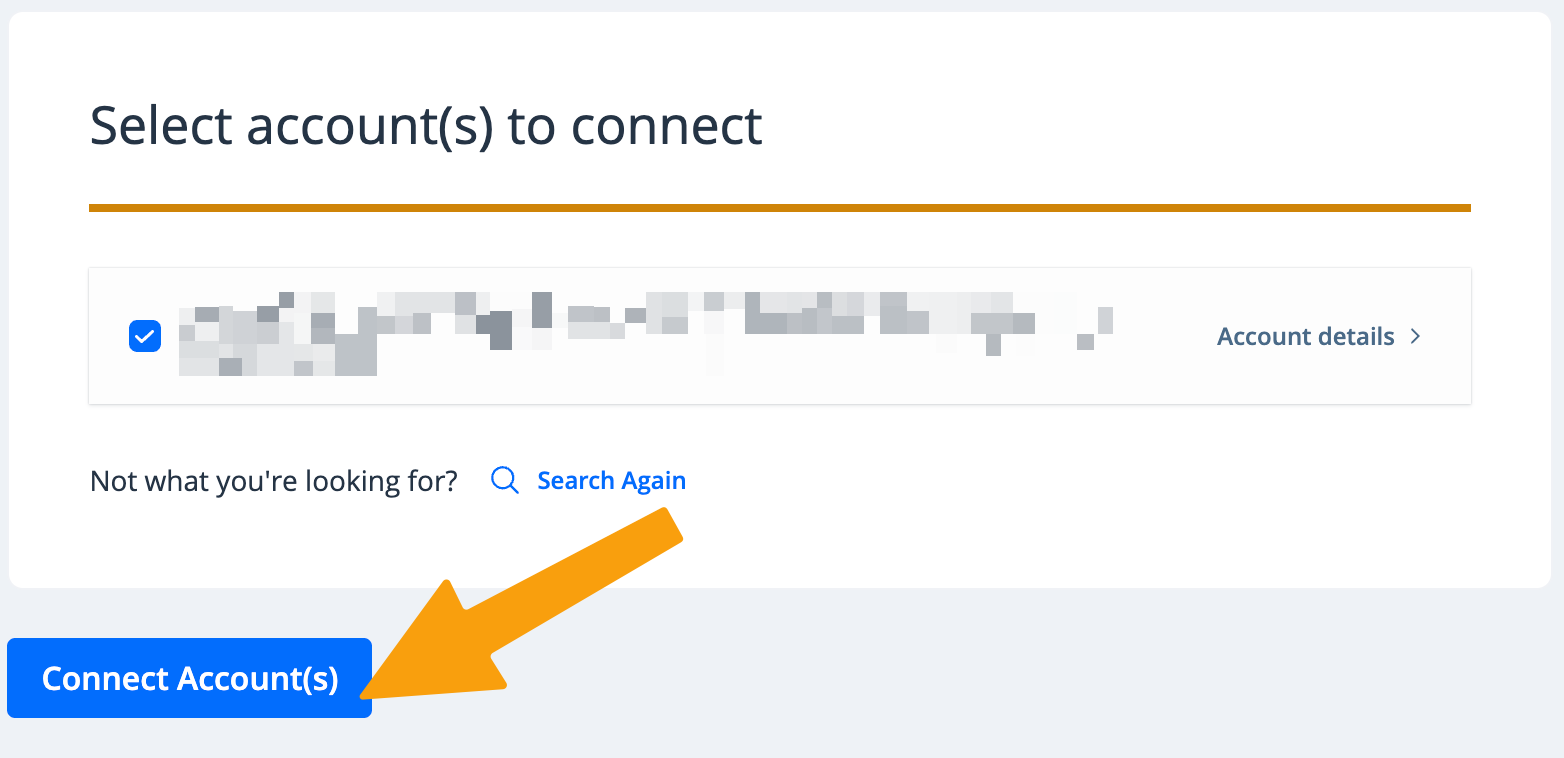
- The result(s) of your search will be displayed. Confirm this is the correct property and connect it to your profile by clicking Connect Account(s). If something does not look right, click Search Again.
Your property tax account is now linked to your PayQuincyMA profile.