Remove a Water and Sewer account on PayQuincyMA

You will see any utility account you have linked to your profile on your dashboard. If you want to remove it from your PayQuincyMA profile, follow the steps below:
Note: Removing a utility account from PayQuincyMA will not impact the status or any balances due, however it will no longer appear on your dashboard at log in.
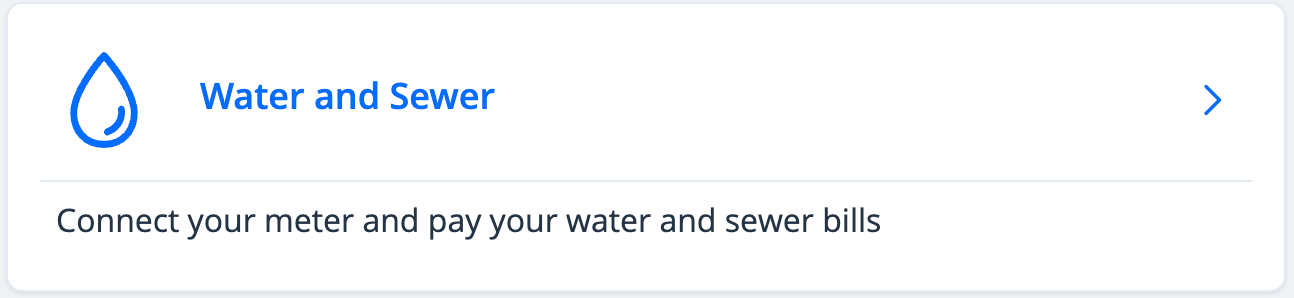
- Log in and click Water and Sewer
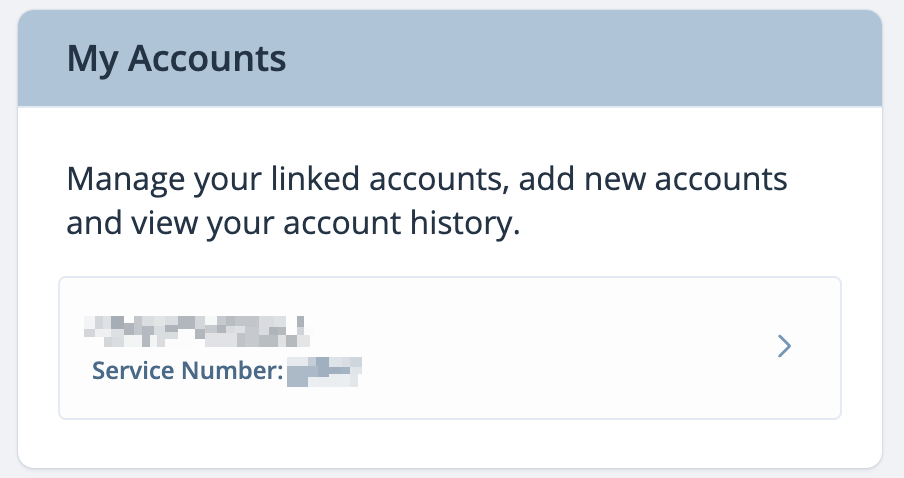
- Towards the right of the screen see, "My Accounts" and select the Water and Sewer account you wish to remove
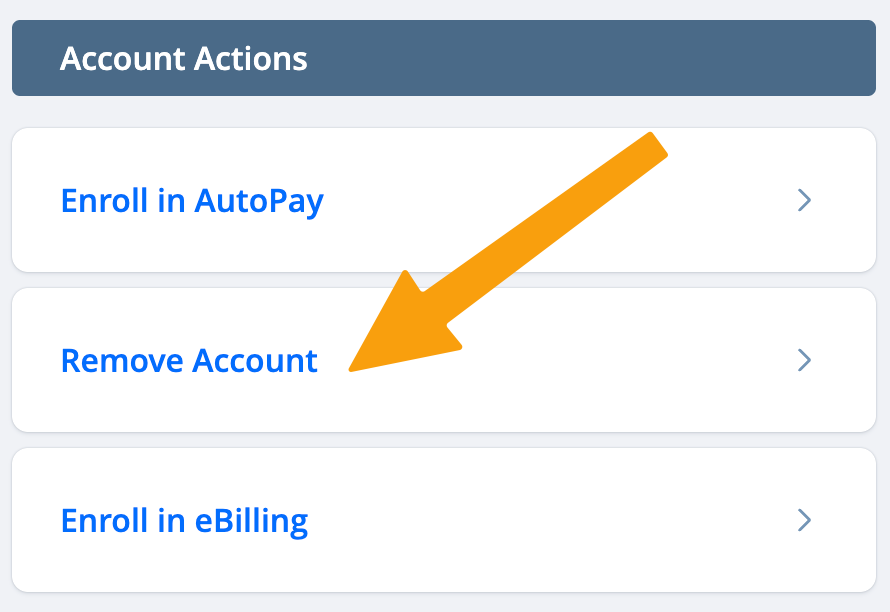
- Under "Account Actions" click Remove Account
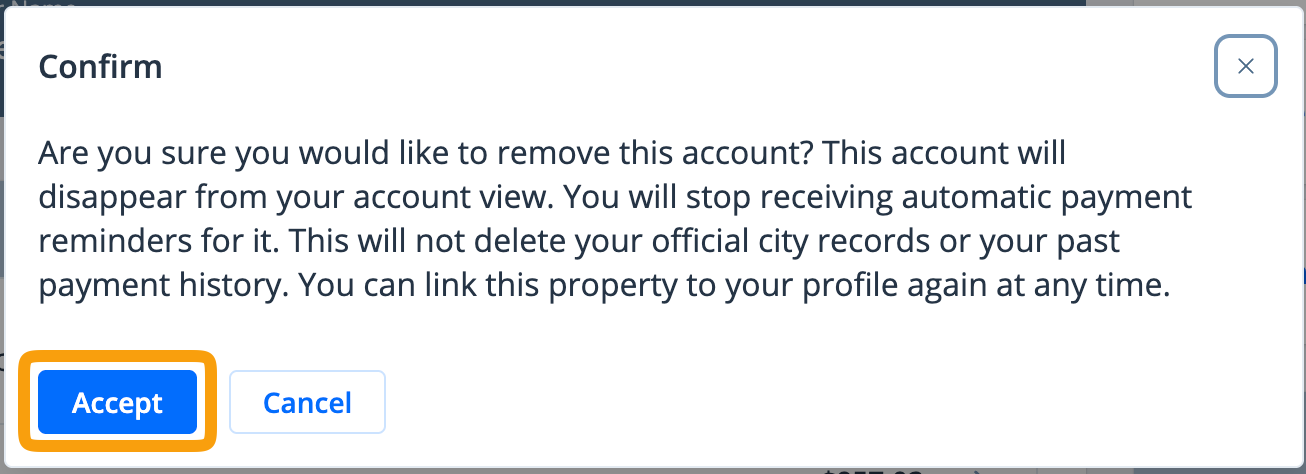
- ClickAcceptto confirm