Remove a Real Estate Tax account on PayQuincyMA
You will see any Real Estate Tax account you have linked to your profile on your dashboard. If you no longer own a property or want to remove it from your PayQuincyMA profile, follow the steps below:
Note: Please note that removing a property from PayQuincyMAwill immediately unenroll it from all features, including email reminders, autopay, and eBilling. All bills remain the responsibility of the account holder and must still be paid.
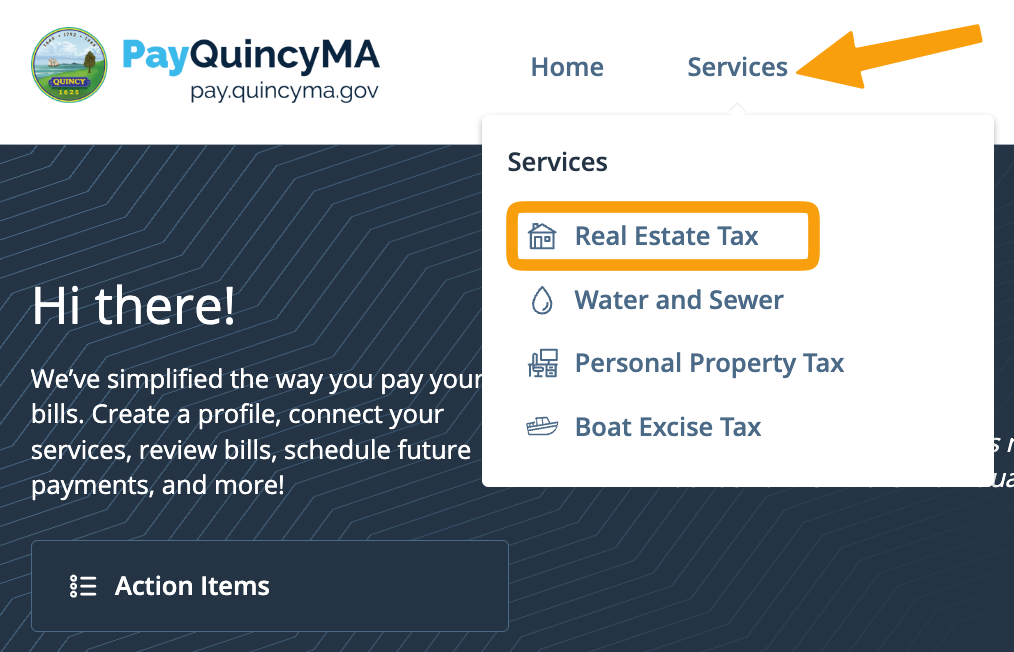
- Log into your PayQuincyMA profile and click Real Estate Tax on the "Services" dropdown menu
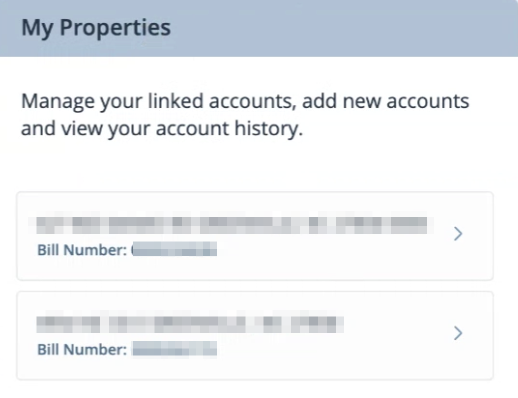
- Towards the right of the screen see, "My Properties" and select the Real Estate Tax account you wish to remove
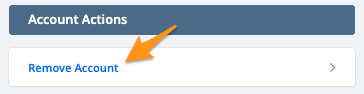
- Under "Account Actions" click Remove Account
- ClickAcceptto confirm